
The riskiest system in many companies is still running on code nobody wants to touch. That risk is not theoretical. A recent Growth Acceleration Partners report found that 92% of organizations continue to rely on technologies like Visual Basic 6.0, VB.NET, PowerBuilder, Clarion, and Classic ASP. These systems quietly power billing, trading, manufacturing, underwriting, and customer portals, even as security and maintenance risks keep climbing.
Modernization conversations are no longer abstract “future of IT” debates. They are live discussions about how to protect revenue, reduce outages, and keep development teams from drowning in technical debt. The right tools do not magically fix a 20-year-old codebase, but they dramatically reduce risk, cost, and lead time. Choosing them wisely is now a leadership decision, not just a technical one.
Why Modernizing Legacy Code Is Now a Business-Critical Move
Legacy code is not just “old.” It is code that is expensive to change, hard to secure, and deeply entangled with critical business processes. A 2025 survey of over 500 U.S.-based IT professionals found that 62% of organizations still rely on legacy software systems, and 43% of respondents cited security vulnerabilities as a major concern. When a significant share of your core systems run on platforms that vendors barely support-and your senior engineers are the only people who understand them-the risk profile changes from “annoying” to “existential.”
The cost side is just as painful. Research from Pegasystems and Savanta, highlighted by ITPro, shows that enterprises are losing around $370 million annually due to outdated legacy systems and technical debt. That is not just extra maintenance time; it is delayed releases, missed opportunities, compliance issues, and operational outages. For many CIOs, the question has shifted from “Do we modernize?” to “How quickly can we reduce this exposure without breaking the business?”
The 2025 State of Legacy Code Development discussions from Growth Acceleration Partners describe teams spending a large share of their time simply understanding and stabilizing old code instead of delivering new capabilities. That reality explains why modernization tools that automate analysis, conversion, and regression detection are receiving so much attention this year. The demand is clear: better visibility, safer change, and a way to transform legacy systems while the business stays online.
How to Choose the Right Modernization Tools for Your Stack
Not every modernization tool is right for every organization. A PowerBuilder-heavy financial institution, a COBOL-based insurer, and a manufacturer running Classic ASP intranet apps will make very different choices. Before evaluating specific products, it helps to map out what the organization actually needs from its tooling and where the greatest constraints lie: talent, time, budget, or risk tolerance.
A useful approach is to split needs into three layers. First, discovery and assessment tools to understand what exists: code volume, dependencies, dead code, and architectural hot spots. Second, transformation tools that refactor, convert, or wrap legacy code so it can live in a modern environment. Third, governance and quality tools that prevent the “new” codebase from becoming tomorrow’s legacy. This layered thinking prevents over-buying in one area while ignoring critical gaps in another.
Several practical criteria can help teams narrow down an overwhelming tooling landscape. Alignment with target architectures (cloud-native, modular monolith, or microservices), support for specific legacy technologies, integration with CI/CD and testing pipelines, and the ability to run in pilots before full rollout all matter more than marketing buzzwords. Realistic expectations are just as important: tools amplify engineering capacity; they do not replace sound design and change management.
- Stack compatibility: Ensure the tool supports your actual legacy platforms (VB6, PowerBuilder, COBOL, Classic ASP, mainframe dialects), not just generic “legacy” marketing language.
- Incremental adoption: Favor tools that allow gradual rollout-module by module, domain by domain-over “big bang” approaches that require an all‑or‑nothing migration.
- Automation with transparency: Automated refactoring and conversion should produce code that developers can understand, review, and maintain, not opaque generated artifacts.
- Security and compliance: For regulated industries, look for strong audit trails, role‑based access, and the ability to run on-premises if data residency is an issue.
- Vendor viability and openness: Evaluate the roadmap, frequency of updates, and how easily the tool integrates with standard DevOps tooling to avoid lock‑in.
Best Static Analysis and Automated Refactoring tools: Seeing the Code You Actually Have
Modernization efforts fail most often in the “unknowns.” Undocumented batch jobs, hidden dependencies, and fragile shared libraries can derail even the best-laid plans. Static analysis and code intelligence tools reduce this uncertainty by reverse-engineering architecture, data flows, and dependencies before major changes begin. That visibility lets teams prioritize what to modernize first and how to stage the work safely.

One example from this space is Visual Expert, a static code analysis tool that extracts design and technical information by reverse-engineering complex applications. It has been used extensively for software maintenance, optimization, and modernization, especially where PowerBuilder or SQL-heavy systems are involved. Tools like this help teams map stored procedures, track cross-database dependencies, and identify dead or duplicate code that does not need to be migrated at all.
- Recommended static analysis and refactoring tools:
- Visual Expert: Well-suited for PowerBuilder, Oracle, and SQL Server ecosystems, providing impact analysis, dependency graphs, and documentation generation.
- SonarQube / SonarCloud: Helps enforce coding standards and identify vulnerabilities as legacy code is refactored into modern languages and frameworks.
- JetBrains Resharper / Rider and similar IDE extensions: For .NET modernization, these tools automate many safe refactorings as teams move from older frameworks to .NET 6+ or cross‑platform stacks.
- IBM Application Discovery or similar mainframe discovery tools: Parse COBOL, PL/I, and JCL to map business rules and data flows before any conversion or offloading project.
Best Code Conversion and Mainframe Modernization Platforms
Organizations with large COBOL, PL/I, or RPG estates face a different scale of challenge than teams modernizing line-of-business desktop apps. For these environments, specialized code conversion and mainframe modernization platforms can provide automated transformation, emulation, or re-platforming patterns that have been proven in similar industries. The rise of generative AI is accelerating this field: as Junichiroh Kanamitsu of Japan Research Institute notes, generative AI is now enabling automated translation of legacy mainframe code such as COBOL into modern languages like Java.
The most effective platforms combine automated translation with robust testing, performance tuning, and runtime modernization. Lift‑and‑shift alone usually just moves technical debt from one place to another. Successful initiatives pair conversion with modularization, API exposure for critical business capabilities, and strong observability so production behavior can be validated and tuned after migration.
- Recommended code conversion and mainframe platforms:
- AWS Mainframe Modernization and similar cloud-native services: Offer a mix of automated refactoring and re-platforming patterns, from COBOL-to-Java conversion to managed runtime environments, plus scalable testing infrastructure.
- Micro Focus (now OpenText) Enterprise Suite tools: Provide COBOL compilers, emulation, and re-platforming options to modern OS and cloud environments while preserving core business logic.
- Mobilize.Net migration tools: Specialize in upgrading traditional client/server apps such as VB6, .NET, and PowerBuilder to modern web and cloud architectures, often used when UI modernization and browser access are priorities.
- IBM Z modernization portfolio: Includes tools for application discovery, API enablement, containerization, and hybrid-cloud integration-useful when the strategy is to modernize “around” the mainframe rather than fully exit it.
Orchestrating a Phased Modernization Roadmap
The most effective modernization programs treat tooling as part of a long-running transformation, not as a one-time project. According to Kyndryl’s 2025 State of Mainframe report, 80% of organizations have shifted their mainframe modernization strategy in the past year, moving toward pragmatic, phased transformations instead of massive all-at-once rewrites. That same mindset works just as well for VB6, PowerBuilder, and Classic ASP estates: iterate, learn, adjust.
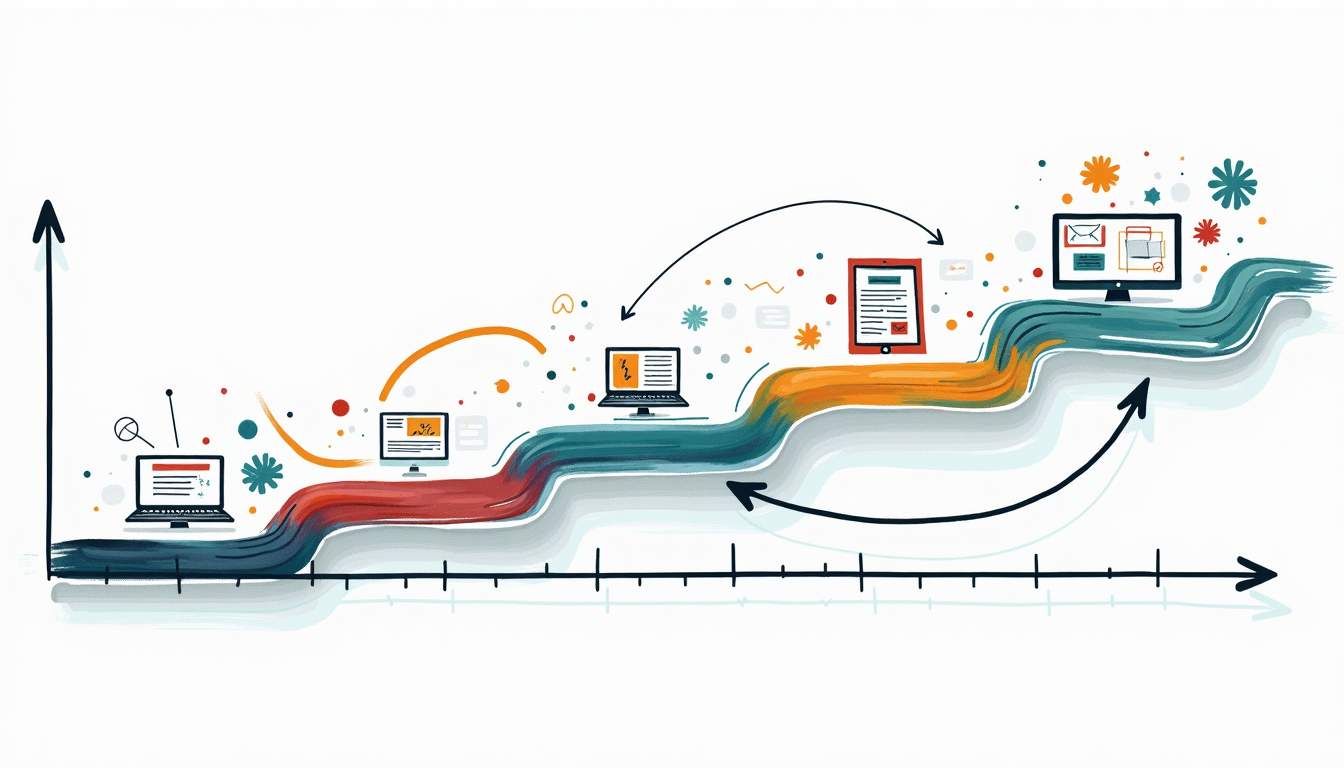
A practical roadmap starts with risk and value mapping: which applications, modules, or services drive the most revenue or present the highest regulatory or security exposure? Those do not always get modernized first, but they inform boundaries and constraints. From there, static analysis helps carve the system into candidate domains, and code conversion or refactoring tools are applied where they deliver the most leverage. Early wins typically focus on places where automation can quickly replace brittle, manual maintenance work.
Governance closes the loop. Without clear standards, automated tools can generate inconsistent patterns or encourage “quick fixes” that age poorly. Defining architectural guardrails, testing requirements, and review practices ensures the new codebase remains healthy as it grows. Over a few cycles, the organization gradually shifts from firefighting in the legacy stack to building on top of a cleaner, better-documented foundation.
- Start with a portfolio assessment: Catalog systems, technologies, and business owners. Use analysis tools to quantify complexity and risk, then prioritize a small set of candidate applications for pilots.
- Run focused tool pilots: Test static analysis and conversion tools on representative slices of code. Evaluate not only accuracy, but developer experience and maintainability of the generated or refactored code.
- Define your target architecture: Decide how far to go: modular monolith, domain-based services, or more granular microservices. Choose tooling that aligns with this direction.
- Scale out by domain: Expand modernization domain by domain, keeping stable integration boundaries and using automation to handle repetitive refactoring and regression testing.
- Institutionalize new practices: Embed quality gates, security scanning, architectural reviews, and automated testing in the CI/CD pipeline so the “modernized” stack does not become tomorrow’s legacy.
From Tools to Impact: How Control Drives Modernization Momentum
However, selecting tools is only half the battle; the real challenge is breaking the inertia that prevents teams from using them. This is where Control fits into the strategy. Unlike broad modernization platforms that require massive upfront commitment, Control deploys a specialized, AI-native team to solve a single, high-priority engineering problem—whether that’s unblocking a specific legacy dependency or refactoring a critical module. By proving value on a fixed-price basis first, it gives leaders the momentum and evidence they need to justify a broader modernization investment.